
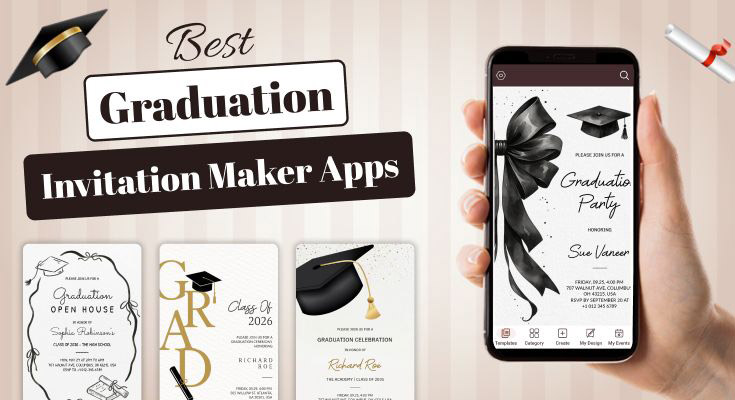
Looking for the perfect graduation invitation maker apps to celebrate your milestone? Digital invitation creators have revolutionized how we design and share celebration announcements, offering professional templates at a fraction of the cost of traditional printing. This online graduation invitation maker provides everything you need to create, customize, and share beautiful graduation invites directly from your phone.
Quick Comparison: Which App Offers the Best Value for Graduation Invitations?
| App | Free Version | Premium Price | Templates | Best Feature | Ideal User |
|---|---|---|---|---|---|
| 1Invites | Yes | $19.99/yearly | 400+ | Complete event management | Event organizers |
| Canva | Yes | $12.99/month | 500+ | Design versatility | Creative beginners |
| Adobe Express | Limited | $9.99/month | 200+ | Professional quality | Design professionals |
| Greetings Island | Yes | $4.99/month | 200+ | Event management | Party planners |
| PicMonkey | 7-day trial | $7.99/month | 150+ | Photo integration | Photo-focused users |
| Evite | Yes | $4.99/month | 100+ | RSVP tracking | Event organizers |
| Paperless Post | Limited | $6/month | 300+ | Elegant designs | Formal events |
| Invitation Card Maker | Yes | $2.99/month | 100+ | Simplicity | Quick creation |
| VistaCreate | Yes | $10/month | 250+ | Social media optimization | Social media users |
| RSVPify | Yes | $29/event | 150+ | Professional RSVP management | Event coordinators |
| Fotor | Yes | $8.99/month | 300+ | AI assistance | AI-assisted design |
| Minted | Limited | $15/month | 250+ | Designer quality | Luxury events |
1. 1Invites – All-in-One Event Solution
1Invites revolutionizes graduation invitation creation by specializing exclusively in customizable template solutions. This dedicated platform offers the largest collection of graduation party invitation templates, making it the go-to choice for students, parents, and event planners seeking professional results without the complexity of design.
Key Features:
- 400+ premium graduation templates across all academic levels
- Advanced template modification system with drag-and-drop editing
- Smart customization tools for colors, fonts, and layouts
- Multiple high-resolution export formats (PDF, JPG, PNG)
- Instant social media sharing to all major platforms
- Bulk download capabilities for multiple invitation variants
- Real-time preview system showing changes instantly
- Template categorization by ceremony type and style
- Mobile-optimized editing interface
- Cloud storage for all designs with automatic saving
PROS
-
Largest graduation template collection in the market
-
Intuitive interface requiring zero design skills
-
Professional-quality outputs suitable for printing
-
Excellent customer support with 24/7 chat assistance
-
Regular template updates with trending designs
-
Affordable pricing compared to custom design services
CONS
-
Subscription required for premium templates and watermark removal
Pricing Structure:
- Free Plan: Access to 50+ basic templates with a watermark
- Premium Monthly: $5.99/month – Full template library, watermark removal
- Premium Yearly: $19.99/year (37% savings) – All features included
Platform Availability: Available across all devices with dedicated mobile apps. Android users can get the Invitation Maker App on Google Play, while iPhone users can install the 1Invites app from the App Store for a seamless mobile editing experience.
Best For: Users who want both beautiful designs and complete event management in one platform.
2. Canva – The Design Powerhouse

Canva leads the market with over 100 million active users and an extensive library of graduation templates. This versatile design platform offers both free and premium options.
Key Features:
- 500+ customizable graduation templates
- Drag-and-drop interface
- Real-time collaboration
- Professional typography options
- Direct social media sharing
PROS
-
User-friendly for beginners
-
High-quality design elements
-
Cross-platform compatibility
-
Extensive font library
-
Regular template updates with trending designs
CONS
-
Premium features require a subscription
-
Limited offline functionality
-
It can be overwhelming for simple projects
Pricing Structure:
- Free Plan: Basic templates with Canva branding
- Canva Pro: $12.99/month or $119.99/year
Best For: Users who want professional-grade designs with minimal effort.
3. Adobe Express – Creative Suite Simplified

Adobe Express (formerly Adobe Spark) brings professional design capabilities to mobile devices with graduation-specific templates and tools.
Key Features:
- Premium graduation card templates
- Brand consistency tools
- Animation capabilities
- Adobe Creative Cloud integration
- High-resolution exports
PROS
-
Industry-standard design quality
-
Seamless Adobe ecosystem integration
-
Professional animation options
-
Excellent mobile optimization
CONS
-
Steeper learning curve
-
Subscription required for best features
-
Resource-intensive on older devices
Pricing Structure:
- Free Plan: Limited templates and features
- Premium Plan: $9.99/month or $99.99/year
Best For: Design-conscious users who want Adobe’s professional quality.
4. Greetings Island – Event Planning Made Easy
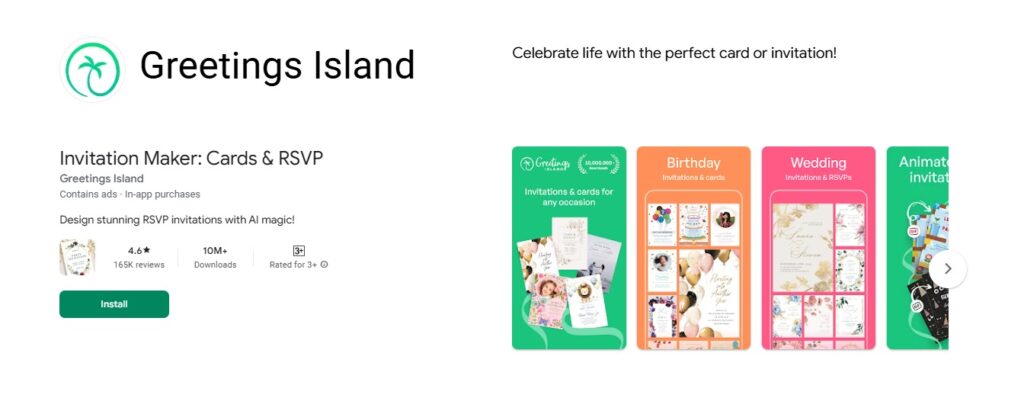
Specialized in celebration invitations, this app focuses specifically on event announcements with graduation-themed collections.
Key Features:
- 200+ graduation invitation designs
- RSVP tracking system
- Guest list management
- Print-ready formats
- Eco-friendly digital sharing
PROS
-
Event-focused features
-
Easy guest management
-
Multiple format exports
-
Excellent print quality
CONS
-
Limited design flexibility
-
Fewer customization options
-
Premium templates cost extra
Pricing Structure:
- Free Plan: Basic templates with ads
- Premium Plan: $4.99/month or $39.99/year
Best For: Users prioritizing event management alongside design.
5. PicMonkey – Photo-Centric Design

PicMonkey excels at photo integration, perfect for graduation announcements featuring graduate portraits.
Key Features:
- Advanced photo editing tools
- Graduation photo templates
- Background removal
- Text overlay options
- Social media optimization
PROS
-
Excellent photo enhancement
-
Professional photo effects
-
Easy background customization
-
Mobile-optimized interface
CONS
-
Photo-heavy focus may not suit all users
-
Subscription model
-
Limited text-only designs
Pricing Structure:
- 7-day Free Trial: Full access to test features
- Pro Plan: $12.99/month or $119.99/year
Best For: Users wanting to showcase graduation photos prominently.
6. Evite – Event-Focused Invitations

Evite combines digital invitation creation with comprehensive event planning tools.
Key Features:
- Graduation party templates
- RSVP management
- Guest messaging system
- Event reminders
- Analytics tracking
PROS
-
Complete event management
-
Free basic features
-
Excellent RSVP tracking
-
Guest communication tools
CONS
-
Ads in the free version
-
Limited design customization
-
Focus on parties vs. formal ceremonies
Pricing Structure:
- Free Plan: Basic invitations with Evite branding
- Premium Plan: $4.99/month or $39.99/year
- Ad-Free Premium: $9.99/month for premium features
Best For: Users planning graduation parties with guest management needs.
7. Paperless Post – Premium Digital Stationery
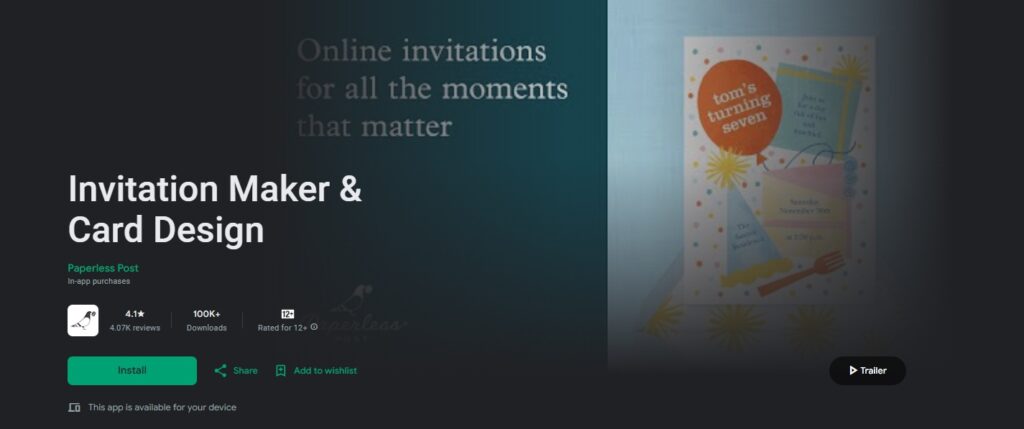
Paperless Post offers elegant, stationery-inspired digital invitations with a focus on sophistication.
Key Features:
- Designer graduation templates
- Envelope liner customization
- Premium paper textures
- Tracking and analytics
- Mobile-responsive designs
PROS
-
Elegant, refined designs
-
Professional presentation
-
Detailed tracking features
-
High-end aesthetic
CONS
-
Higher cost per invitation
-
Limited free options
-
It may be too formal for casual events
Pricing Structure:
- Free Plan: Limited template access
- Premium Plan: $12/month or $120/year
Best For: Users seeking upscale, traditional invitation aesthetics.
8. Invitation Card Maker – Simple & Effective

This straightforward app focuses on ease of use with graduation-specific templates and quick customization options.
Key Features:
- 100+ graduation templates
- One-tap customization
- Instant sharing options
- Offline editing capability
- Multiple language support
PROS
-
Extremely user-friendly
-
Fast creation process
-
Works offline
-
Supports multiple languages
CONS
-
Limited advanced features
-
Basic design options
-
Fewer premium elements
Pricing Structure:
- Free Plan: Basic templates with ads
- Premium Plan: $2.99/month or $19.99/year
Best For: Users wanting quick, simple invitation creation.
9. VistaCreate – Social Media Optimized

VistaCreate specializes in social media-optimized designs with graduation announcement templates for various platforms.
Key Features:
- Platform-specific sizing
- Animated graduation templates
- Video invitation options
- Brand kit integration
- Collaboration tools
PROS
-
Perfect social media sizing
-
Animation capabilities
-
Video invitation options
-
Team collaboration features
CONS
-
Focusing on social media may limit print options
-
Subscription for advanced features
-
Learning curve for animations
Pricing Structure:
- Free Plan: Basic templates and limited features
- Pro Plan: $10/month or $120/year
Best For: Users prioritizing social media announcements.
10. RSVPify – Professional Event Management

RSVPify stands out as a comprehensive event management platform that excels in creating professional graduation invitations while providing robust guest management and RSVP tracking capabilities.
Key Features:
- 150+ customizable graduation party templates designed for various academic milestones
- Professional online RSVP system with real-time guest tracking
- Custom question builder for collecting specific information from attendees
- Seating chart creation and management tools
- White-label branding options for personalized event experiences
- Mobile-responsive design ensuring perfect display across all devices
PROS
-
Exceptional RSVP management with detailed tracking and analytics
-
Professional-grade event planning tools beyond just invitations
-
Streamlined guest communication with automated reminders
-
Clean, professional interface that’s easy for guests to use
-
Comprehensive reporting for event planning insights
CONS
-
Template selection is smaller compared to design-focused apps
-
Pricing increases significantly for larger guest lists
-
Limited advanced design customization compared to creative platforms
-
Focus on functionality over elaborate visual design
Pricing Structure:
- Free Plan: Up to 100 guests, basic templates, core RSVP features
- Premium Plans: Custom pricing for advanced features and higher guest counts
Best For: Event organizers who prioritize professional guest management and comprehensive RSVP tracking over elaborate design customization.
11. Fotor – AI-Powered Design Assistant

Fotor leverages artificial intelligence to streamline graduation invitation creation with smart design suggestions and automated layout optimization.
Key Features:
- AI-powered design recommendations
- Smart photo enhancement tools
- Automated text placement optimization
- Brand color palette generation
- Batch editing for multiple invitations
- Real-time design collaboration
- Advanced typography suggestions
PROS
-
Intelligent photo enhancement
-
Professional layout suggestions
-
User-friendly for non-designers
-
Excellent mobile app performance
-
Affordable premium pricing
CONS
-
AI suggestions may feel impersonal
-
Limited manual control over AI features
-
Requires internet for AI functionality
-
Fewer traditional design tools
Pricing Structure:
- Free Plan: Basic templates with Fotor watermark
- Fotor Pro+: $19.99/month for advanced AI features
Best For: Users who want AI assistance in creating professional designs quickly.
12. Minted – Designer-Quality Templates

Minted brings high-end designer aesthetics to graduation invitations with curated templates from independent artists and premium customization options.
Key Features:
- 250+ artist-designed graduation templates
- Premium paper texture simulation
- Professional typography pairings
- High-end printing coordination
- Designer collaboration options
- Luxury finishing effects preview
- Custom monogram creation
PROS
-
Unique artistic templates
-
Premium finishing options
-
Professional printing services
-
Artist royalty support
-
Luxury aesthetic focus
CONS
-
Higher price point
-
Limited free options
-
It may be overdesigned for simple events
-
Longer customization process
Pricing Structure:
- Free Plan: Very limited template access
- Premium Plan: $25/month with printing coordination
Best For: Users seeking luxury, designer-quality invitations with premium finishing options.
How to Create Professional Graduation Invitations in 5 Easy Steps?
Creating stunning graduation invites doesn’t require design experience with the graduation invitation maker apps. Follow these simple steps to produce professional-quality announcements:
Step 1: Choose Your Template and App
Start by selecting an app that matches your design needs and technical comfort level. Browse graduation templates and choose one that reflects your celebration style:
- Formal ceremonies: Select elegant, traditional designs with classic fonts
- Casual parties: Choose fun, colorful templates with modern typography
- Academic achievements: Pick designs highlighting school colors or logos
- Family celebrations: Opt for warm, personal templates with photo spaces
Pro Tip: Take a screenshot of your favorites before comparing them side by side.
Step 2: Customize Your Content
Replace template placeholder text with your specific graduation details:
Essential Information to Include:
- The graduate’s full name
- Degree or diploma earned
- School or institution name
- Graduation date and time
- Ceremony location
- Reception details (if applicable)
- RSVP information
- Contact details
Writing Tips:
- Keep text concise and readable
- Use consistent font sizes
- Maintain proper spacing
- Double-check all dates and times
- Include time zones for distant guests
For more inspiration on content and design elements, check out these graduation ceremony invitation design ideas and tips.
Step 3: Add Personal Touches
Transform generic templates into personalized announcements:
Visual Customization:
- Upload graduation photos
- Adjust school colors
- Add family photos or memories
- Include achievement highlights
- Incorporate meaningful quotes
Design Elements:
- Modify background colors
- Adjust text positioning
- Add decorative borders
- Include graduation cap graphics
- Use meaningful symbols or icons
Step 4: Review and Refine
Before finalizing your invitation, conduct a thorough review:
Content Checklist:
- All spelling is correct
- Dates and times are accurate
- Contact information is current
- RSVP details are clear
- Location addresses are complete
Design Checklist:
- Text is legible at various sizes
- Colors complement each other
- Images are high resolution
- Layout is balanced and attractive
- Overall design matches event tone
Step 5: Export and Share
Choose appropriate formats and sharing methods for your audience:
Digital Sharing Options:
- Email invitations directly from the app
- Share via social media platforms
- Send through messaging apps
- Create shareable links
- Generate QR codes for easy access
Print Options:
- Export high-resolution PDFs
- Choose appropriate paper sizes
- Consider professional printing services
- Test print quality with sample copies
- Plan printing timeline for mailing
Hybrid Approach: Many families combine digital sharing with printed copies for older relatives who prefer traditional invitations.
What Are the Best Tips for Customizing Your Graduation Invitation Design Like a Pro?
Transform basic templates from graduation invitation maker apps into personalized masterpieces with these professional customization strategies:
Color Psychology and School Spirit
Colors significantly impact invitation perception and emotional response:
Traditional Academic Colors:
- Navy and Gold: Conveys prestige and achievement
- Maroon and White: Suggests tradition and excellence
- Forest Green and Silver: Implies growth and success
- Royal Blue and White: Represents trust and reliability
Modern Color Trends:
- Sage Green and Cream: Contemporary, sophisticated
- Dusty Rose and Gold: Elegant, feminine touch
- For those preferring botanical elements, consider floral graduation invitation templates that complement these soft color palettes.
- Charcoal and Copper: Modern, professional
- Lavender and Silver: Soft, celebratory feel
School Color Integration: Include your institution’s official colors while maintaining design balance and readability.
Typography That Tells Your Story
Font choices communicate personality and event formality:
Formal Ceremonies:
- Serif fonts like Times New Roman or Georgia
- Script fonts for names and special elements
- Consistent sizing hierarchy
- Proper spacing and alignment
Casual Celebrations:
- Sans-serif fonts like Arial or Helvetica
- Modern script for decorative elements
- Varied sizing for visual interest
- Creative text positioning
Readability Rules:
- Maximum of 3 different fonts per design
- Ensure contrast between text and background
- Test legibility at various sizes
- Consider mobile viewing optimization
Photo Integration Best Practices
Professional photo incorporation elevates invitation quality:
Portrait Guidelines:
- Use high-resolution images (300 DPI minimum)
- Ensure proper lighting and focus
- Choose photos reflecting achievement pride
- Consider professional graduation portraits
- Browse photo graduation invitation templates for inspiration on photo placement and styling
- Maintain consistent photo styling
Creative Photo Layouts:
- Timeline collages showing academic journey
- Before-and-after academic growth
- Multiple achievement moments
- Candid celebration shots
- Family tradition continuations
Personalization Elements That Matter
Add meaningful touches that reflect individual achievements:
Academic Achievements:
- GPA mentions (if impressive)
- Honor society memberships
- Academic awards and scholarships
- Research project highlights
- Study abroad experiences
Personal Milestones:
- Meaningful quotes or mottos
- Future goals and aspirations
- Thank you messages to supporters
- Special memory highlights
- Family tradition acknowledgments
Interactive Elements:
- QR codes linking to photo galleries
- Social media hashtags
- Video message links
- Online RSVP systems
- Digital gift registry links
People Also Ask
Yes, most graduation invitation maker apps offer free versions with basic templates and features. Popular free options include 1Invites Free with 500+ invitation templates, and Evite for digital invitations with RSVP tracking. However, free versions typically have limitations like fewer templates, basic customization tools, watermarks, and limited export formats.
Comprehensive graduation invites should include essential details like the graduate’s full name and degree, graduation date and time, ceremony location with complete address, and RSVP information with deadlines. Optional enhancements can include parking details, dress code specifications, gift registry information, and social media hashtags. Always use clear, readable fonts and organize information hierarchically for the best results.
The optimal timing depends on your event type and guest travel requirements. For most graduation ceremonies, send invitations 3-4 weeks in advance, while events requiring travel need 6-8 weeks’ notice. Digital invitations can be sent 2-3 weeks before, but printed invitations need 3-4 weeks for design, printing, and mailing.
Limited offline functionality exists, but most apps require internet connectivity for full features. Apps like Invitation Card Maker offer basic editing without internet, while Adobe Express provides limited offline editing with sync when online. However, offline limitations include no template downloads, limited font access, no cloud saving, and sharing requires connectivity for most platforms.
Conclusion: Choose the Right Graduation Invitation Maker App for Your Celebration
Selecting the perfect graduation invitation creator transforms your milestone celebration planning from stressful to enjoyable. The Graduation Invitation Maker apps reviewed offer diverse approaches to digital invitation design, from simple template-based solutions to comprehensive event management platforms.
- For Budget-Conscious Users: Invitation Card Maker and Greeting Card Maker provide excellent value with extensive template libraries at affordable prices.
- For Design Enthusiasts: Canva, Adobe Express, and 1Invites deliver professional-quality tools with unlimited creative possibilities.
- For Event Organizers: Evite, Greetings Island, and 1Invites combine beautiful designs with powerful guest management features.
Ready to create your perfect graduation invitation? Start with 1Invites for comprehensive features, or try Invitation Card Maker for quick, beautiful results. Your celebration planning just became significantly easier with these powerful mobile design tools.