

Planning your dream wedding starts with the perfect invitation that sets the tone for your special day. With wedding invitation design apps for Android becoming increasingly sophisticated, couples can now create professional-quality digital wedding invitations directly from their smartphones. This comprehensive guide covers the best wedding invitation apps for Android to help you craft memorable invitations. For those ready to get started immediately, try our wedding invitation maker to create stunning invitations in minutes.
List of 10 Best Wedding Invitation Apps for Android
1. 1Invites – Premium Wedding Invitation Creator
2. Canva – Versatile Design Powerhouse
3. Adobe Express – Professional Creative Suite
4. Wedding Invitation Cards Maker – Cultural Wedding Specialist
5. Greetings Island – Print-Ready Digital Designer
6. Evite – Complete Event Management Platform
7. PaperlessPost – Luxury Digital Stationery
8. Invitation Card Maker – Multimedia Invitation Creator
9. Hobnob – All-in-One Wedding Planner
10. Card Castle – Interactive Invitation Platform
1. 1Invites – Premium Wedding Invitation Creator
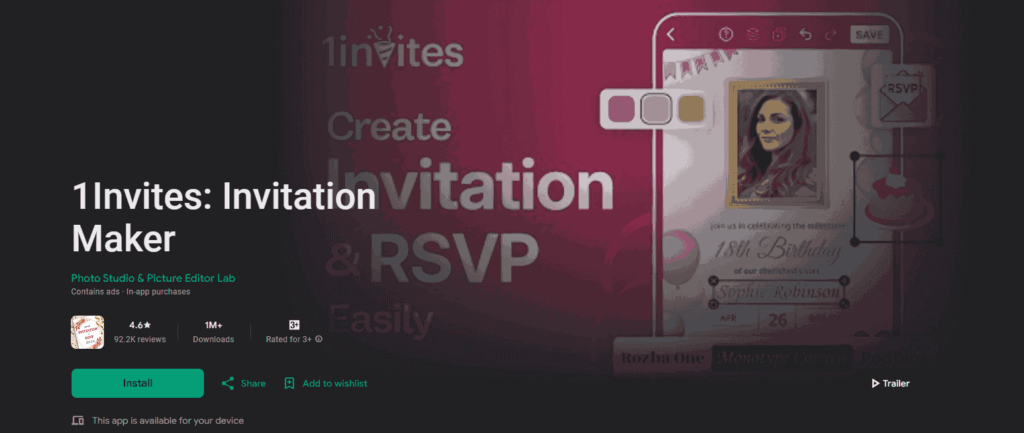
Wedding invitation maker app 1Invites stands out as the premier choice for couples seeking sophisticated wedding invitation designs with professional-quality results. Specifically designed for wedding celebrations, this app combines elegant templates with powerful customization tools that rival those of expensive custom design services.
Key Features:
- 500+ exclusive wedding invitation templates designed by professional artists
- Advanced typography system with wedding-specific font collections
- High-resolution photo integration with automatic enhancement filters
- Real-time collaboration tools for couples designing together
- Seamless RSVP management with detailed guest analytics
- Multi-format export options (4K resolution, print-ready PDFs)
- Cultural and religious ceremony-specific template categories
Unique Advantages:
- AI-powered design suggestions based on wedding theme and preferences
- Integrated save-the-date and thank-you card creation
- Guest list management with automated reminder systems
- Social media optimization for sharing across platforms
- Cloud synchronization ensures designs never get lost


Pros: Wedding-specific focus, professional design quality, comprehensive feature set, excellent customer support
Cons: Premium features require a subscription for full access
Rating: 4.9/5
Price: Free (with premium upgrades)
Platform: iOS/Android Compatible
Ideal for: Couples seeking professional-quality designs with wedding-specific features, those planning multiple wedding events (save-the-date wedding invitations, thank you cards), and users who want AI-powered design assistance.
2. Canva – Versatile Design Powerhouse

Canva stands out as one of the most comprehensive wedding invitation apps for Android, offering thousands of professionally designed templates specifically for weddings. The app’s intuitive drag-and-drop interface makes it accessible for users without design experience.
Key Features:
- 1000+ wedding invitation templates
- Advanced text editing with 700+ font options
- Photo filters and enhancement tools
- Brand kit for consistent design elements
- Direct sharing to social platforms and messaging apps
Pros: Extensive template library, professional quality output, collaborative features
Cons: Premium features require a subscription and can be overwhelming for beginners
Rating: 4.8/5
Price: Free with premium features
Ideal for: Creative couples who want extensive customization options, users comfortable with design tools, and those planning comprehensive wedding branding across multiple materials.
3. Adobe Express – Professional Creative Suite

Adobe Express brings professional-grade design capabilities to Android devices, making it an excellent choice for couples seeking sophisticated digital wedding invitation apps with industry-standard tools.
Key Features:
- Adobe Stock integration with millions of premium images
- Advanced typography controls and custom font uploads
- Brand consistency tools for wedding theme maintenance
- Multi-format export options (PDF, PNG, JPG)
- Cloud synchronization across devices
Pros: Professional quality, extensive customization options, cloud storage
Cons: Learning curve for advanced features, requires an Adobe ID
Rating: 4.6/5
Price: Free with Adobe Creative Cloud integration
Ideal for: Design-savvy couples who want industry-standard tools, users already in the Adobe ecosystem, and those needing advanced typography and graphic design capabilities.
4. Wedding Invitation Cards Maker – Cultural Wedding Specialist
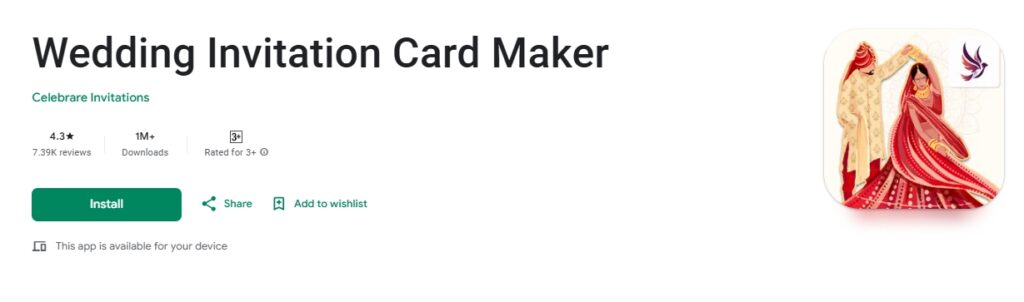
Specifically designed for wedding invitations, this app focuses on providing wedding-specific templates and features that cater to different cultural and religious ceremonies.
Key Features:
- 200+ wedding-specific templates
- Multi-language support for diverse ceremonies
- RSVP management integration
- Custom color scheme adjustments
- Save the date and thank you card templates
Pros: Wedding-focused design, cultural diversity, and RSVP tracking
Cons: Limited compared to general design apps, occasional ads in the free version
Rating: 4.5/5
Price: Free with ads, Premium version available
Ideal for: Couples planning traditional or culturally specific ceremonies, users wanting wedding-focused templates, and those needing integrated RSVP management without complex features.
5. Greetings Island – Print-Ready Digital Designer
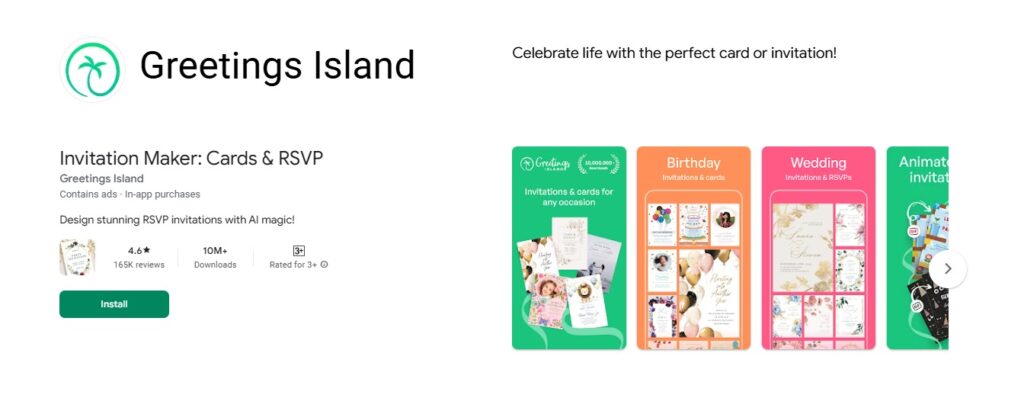
Greetings Island specializes in event invitations with a strong focus on wedding designs, offering both digital and print-ready options for maximum flexibility.
Key Features:
- HD quality templates optimized for digital sharing
- Print-at-home options with bleed guidelines
- Custom photo upload and editing
- Multiple size formats (square, rectangular, landscape)
- Guest list management tools
Pros: High-quality output, print-ready options, and guest management
Cons: Smaller template selection, limited free features
Rating: 4.⅘
Price: Free with premium upgrades
Ideal for: Couples wanting both digital and print options, users planning intimate weddings with detailed guest management needs, and those prioritizing high-quality HD output.
6. Evite – Complete Event Management Platform

While primarily known as an event invitation platform, Evite’s Android app offers excellent wedding invitation capabilities, complemented by robust guest management features.
Key Features:
- Real-time RSVP tracking and notifications
- Guest messaging and communication tools
- Photo sharing galleries for guests
- Event reminder automation
- Integration with calendar apps
Pros: Comprehensive event management, guest communication, automated features
Cons: Less design customization, primarily template-based
Rating: 4.3/5
Price: Free with premium features
Ideal for: Busy couples who prioritize convenience over design customization, users wanting comprehensive guest communication tools, and those planning multiple pre-wedding events.
7. PaperlessPost – Luxury Digital Stationery
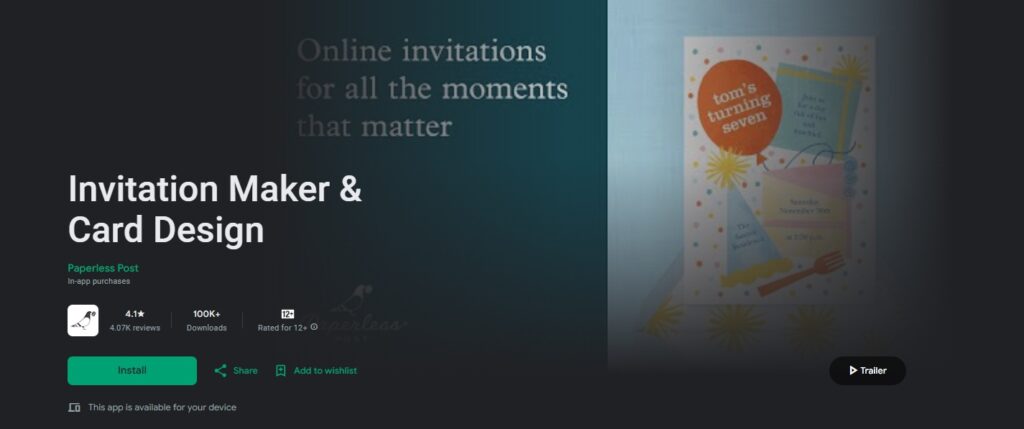
PaperlessPost brings elegant stationery design to digital platforms, offering premium wedding invitation designs that rival traditional printed options.
Key Features:
- Designer collaboration collections
- Animated and interactive invitation elements
- Envelope liner customization
- RSVP form customization
- Guest list import from contacts
Pros: Premium design quality, interactive elements, sophisticated aesthetics
Cons: Credit-based pricing can be expensive, limited free options
Rating: 4.2/5
Price: Credits-based pricing model
Ideal for: Couples seeking luxury-quality designs, users wanting interactive invitation elements, and those with higher budgets who prioritize sophisticated aesthetics over cost savings.
8. Invitation Card Maker – Multimedia Invitation Creator

This versatile invitation maker offers wedding-specific features alongside general event invitation capabilities, providing good value for couples planning multiple wedding-related events.
Key Features:
- 200+ wedding invitation templates
- Custom text and font styling
- Background music addition for digital invitations
- Multiple export formats
- Social media optimization
Pros: Music integration, multiple event types, affordable premium features
Cons: Interface can be cluttered, limited advanced editing
Rating: 4.1/5
Price: Free with in-app purchases
Ideal for: Couples wanting multimedia invitations with background music, users planning multiple celebration events, and those seeking affordable premium upgrades with unique features.
9. Hobnob – All-in-One Wedding Planner
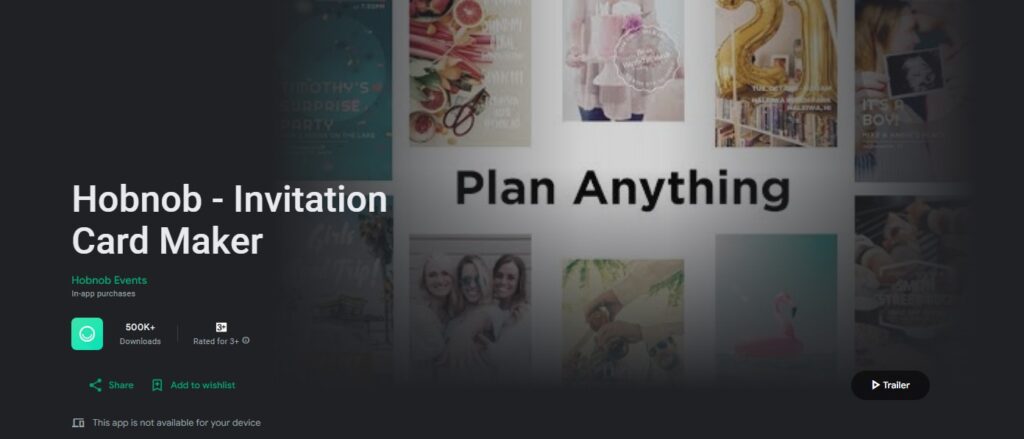
Hobnob combines invitation design with comprehensive event planning tools, making it suitable for couples planning detailed wedding celebrations.
Key Features:
- Group messaging for wedding party coordination
- Expense tracking for wedding budget management
- Photo sharing albums
- Location sharing for wedding venues
- Multi-event planning (engagement, bachelor/bachelorette, wedding)
Pros: Comprehensive planning tools, group coordination, and budget tracking
Cons: Complex interface, less focus on design aesthetics
Rating: 3.9/5
Price: Free with premium features
Ideal for: Organized couples who want all-in-one wedding planning solutions, users coordinating with large wedding parties, and those needing detailed budget and expense tracking integration.
10. Card Castle – Interactive Invitation Platform

Card Castle offers unique interactive invitation features that can make wedding invitations more engaging and memorable for guests.
Key Features:
- Interactive RSVP forms with custom questions
- Photo slideshow integration
- Countdown timers to the wedding date
- Guest book functionality
- Multiple invitation formats (save the date, main invitation, reception details)
Pros: Interactive features, comprehensive invitation suite, and guest engagement
Cons: Steeper learning curve, premium features required for full functionality
Rating: 3.8/5
Price: Free with premium upgrades
Ideal for: Tech-savvy couples who want interactive and engaging invitations, users planning modern digital-first celebrations, and those comfortable with learning new software for unique features.
Quick Comparison: Best Wedding Invitation Apps for Android
| App Name | Rating | Price Model | Templates | Key Strength | Best For |
|---|---|---|---|---|---|
| 1Invites | 4.9/5 | Free + Premium | 500+ | Wedding-specific AI features | Professional quality designs |
| Canva | 4.8/5 | Freemium | 1000+ | Versatile design tools | Creative customization |
| Adobe Express | 4.6/5 | Free + Adobe CC | Premium stock | Professional-grade tools | Advanced designers |
| Wedding Cards Maker | 4.5/5 | Free with ads | 200+ | Cultural diversity | Traditional ceremonies |
| Greetings Island | 4.4/5 | Free + Premium | HD quality | Print-ready options | Hybrid digital/print |
| Evite | 4.3/5 | Free + Premium | Standard | Event management | RSVP tracking focus |
| PaperlessPost | 4.2/5 | Credits-based | Designer collections | Premium aesthetics | Luxury invitations |
| Invitation Card Maker | 4.1/5 | Free + IAP | 200+ | Music integration | Multimedia invitations |
| Hobnob | 3.9/5 | Freemium | Planning focus | Comprehensive tools | Full event planning |
| Card Castle | 3.8/5 | Free + Premium | Interactive | Engagement features | Tech-savvy couples |
How Do I Create My Wedding Invitation Step-by-Step?
Creating the perfect wedding invitation requires careful planning and attention to detail. If you’re new to this process, our comprehensive guide on how to create wedding invitations provides additional insights.
Phase 1: Planning and Preparation
Define Your Vision: Before opening any app, establish your wedding theme, color scheme, and overall aesthetic preferences. Consider your venue, season, and personal style.
Gather Assets: Collect all necessary materials, including:
- High-quality photos (engagement photos, venue pictures)
- Wedding details (date, time, location, dress code)
- Guest list with contact information
- Any special symbols or graphics representing your relationship
Choose Your App: Based on the reviews above, select the wedding invitation design app for Android that best matches your needs and technical comfort level.
Phase 2: Design Creation Process
Template Selection: Browse available templates and select one that aligns with your wedding vision. Consider how the template will look across different screen sizes and when printed.
Content Customization:
- Replace placeholder text with your wedding details
- Ensure all information is accurate (double-check dates, times, and addresses)
- Include essential details like RSVP deadlines and contact information
- Add special instructions (parking, accommodation, dress code)
Visual Enhancement:
- Upload and position personal photos strategically
- Adjust color schemes to match your wedding palette
- Select appropriate fonts that reflect your wedding style
- Maintain consistent spacing and alignment throughout
Review and Refine: Take time to review every element, checking for spelling errors, formatting consistency, and visual balance.
Phase 3: Testing and Distribution
- Preview Testing: View your invitation on different screen sizes and orientations to ensure optimal display across various Android devices.
- Share with Key Stakeholders: Send draft versions to close family members or wedding party members for feedback before final distribution.
- Create Distribution Strategy: Plan your invitation timeline, considering save-the-dates, main invitations, and reminder communications.
What Cultural Styles of Wedding Invitations Can You Create?
Creating culturally authentic wedding invitations has never been easier with specialized Android apps. Leading platforms like 1Invites, Wedding Invitation Cards Maker, and Canva offer extensive collections of templates designed specifically for different cultural traditions. Using these apps, you can create stunning wedding invitations that honor your heritage while maintaining modern design aesthetics and professional quality.
Choosing the right wedding invitation design goes beyond aesthetics—it’s about honoring cultural traditions while expressing your unique love story. From colors and motifs to typography and language, every detail should reflect the values and heritage of your celebration.
Traditional Wedding Elements
Different cultural backgrounds require specific design considerations:
- Hindu Weddings: Incorporate traditional symbols like Ganesha, lotus flowers, or paisley patterns. Consider using gold accents and vibrant colors like red, orange, and pink. Explore our collection of Hindu wedding invitation templates for authentic designs.
- Tamil Weddings: Tamil ceremonies often feature unique cultural elements, including traditional motifs like mango leaves, Kolam patterns, and temple architectural designs. Rich colors like deep red, gold, and maroon are traditionally preferred, along with Tamil script for cultural authenticity. Discover our specialized Tamil wedding invitation templates that celebrate South Indian heritage.
- Islamic/Muslim Weddings: Arabic calligraphy, geometric patterns, and verses from religious texts often feature prominently. Elegant typography and sophisticated color schemes typically work best. Islamic art-inspired borders and crescent moon symbols add spiritual meaning. Browse our Muslim wedding invitation templates for designs that reflect Islamic traditions beautifully.
- Christian Weddings: Cross symbols, biblical verses, and traditional wedding imagery can enhance the spiritual significance of your invitation. Browse our Christian wedding invitation templates for designs that honor your faith.
Modern Fusion Approaches
Contemporary couples often blend traditional elements with modern design. Explore our modern wedding invitation templates for designs that perfectly balance contemporary aesthetics with traditional elements:
- Cultural Symbol Integration: Incorporate meaningful symbols subtly within contemporary design frameworks.
- Bilingual Information: Apps for creating wedding invitations should support multiple languages and text directions for inclusive communication.
- Color Tradition Respect: Honor cultural color preferences while adapting to personal style and modern aesthetics.
FAQs
Most premium wedding invitation apps for Android support custom font uploads. Apps like 1Invites and Evite provide both approaches – substantial built-in font collections plus custom font upload capabilities for personalized typography matching your wedding theme perfectly.
Modern digital wedding invitation apps create extremely professional results indistinguishable from traditionally designed invitations. Apps for creating wedding invitations now offer sophisticated templates. The key is selecting appropriate templates and maintaining consistent design principles.
Digital wedding invitation apps typically include integrated RSVP systems accessible through clickable links, embedded forms, or QR codes. Guests can respond directly through the app or connected websites, with responses automatically compiled for easy guest management. For more detailed guidance, check our comprehensive guide on RSVP wedding invitation etiquette tips.
Wedding invitation apps offer significant advantages, including cost savings (often 70-90% less expensive), complete creative control, unlimited revisions, and faster turnaround times. However, professional designers provide personalized consultation, unique custom artwork, and handling of complex printing requirements. The choice depends on budget, timeline, and desired customization level.
For traditional weddings, 1Invites offers the most extensive collection of traditional wedding invitation templates with culturally specific designs. Wedding Invitation Cards Maker specifically caters to traditional ceremonies with multi-cultural templates and appropriate color schemes.
Digital wedding invitations should follow traditional timing guidelines: save-the-dates 6-8 months before the wedding, main invitations 6-8 weeks prior, and reminder communications 1-2 weeks before the event. Digital delivery allows for more flexible timing and easier last-minute updates compared to traditional printed invitations.
Conclusion
Selecting the right wedding invitation design apps for Android empowers couples to create stunning, professional invitations that perfectly capture their love story and wedding vision. Whether you choose free wedding invitation maker apps for Android or invest in premium features, the key lies in understanding your specific needs, technical comfort level, and desired aesthetic outcome.
The best wedding invitation apps for Android combine intuitive interfaces with powerful customization tools, enabling couples to produce memorable invitations that set the perfect tone for their special celebration. From comprehensive design suites like 1Invites and Adobe Express to specialized wedding-focused applications, today’s digital wedding invitation apps offer unprecedented creative freedom and cost-effective solutions.
The future of wedding planning increasingly embraces digital solutions that offer greater flexibility, cost savings, and environmental sustainability without compromising on quality or elegance. By leveraging the power of Android wedding invitation apps, you’re not just creating invitations – you’re beginning your married life with smart, thoughtful decisions that reflect modern values while honoring timeless traditions.