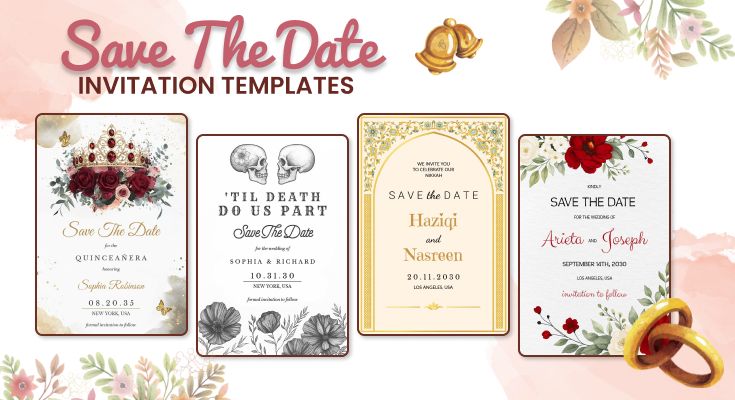
Make your event unforgettable with personalized Save the Date templates! Choose, customize, and share stunning designs effortlessly for any occasion using our save the date card maker.
Stunning Save the Date Templates to Inspire You
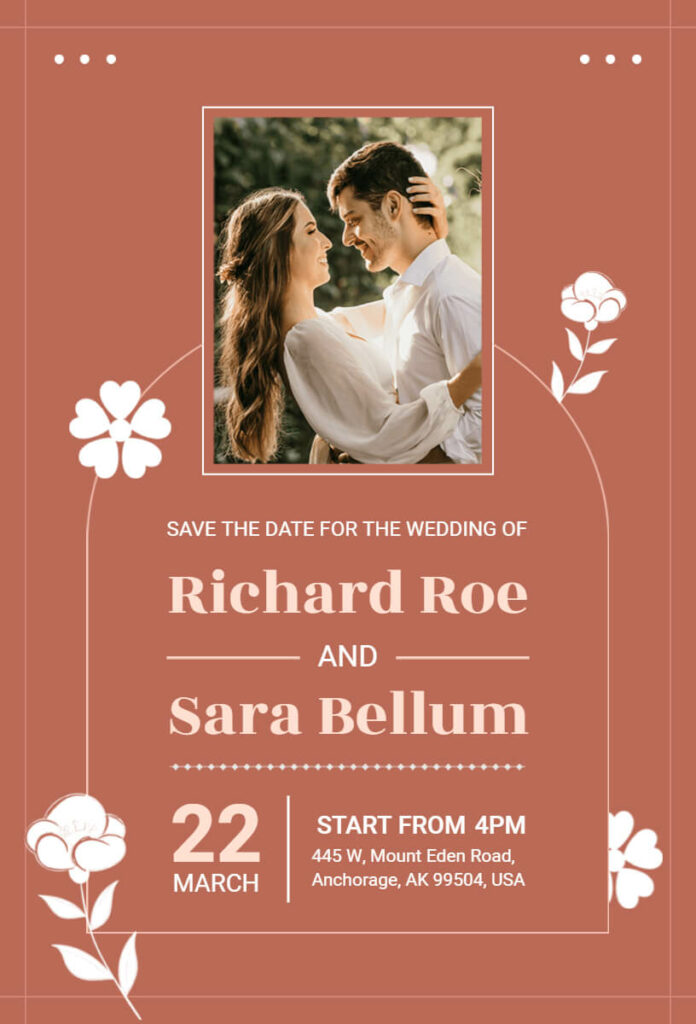
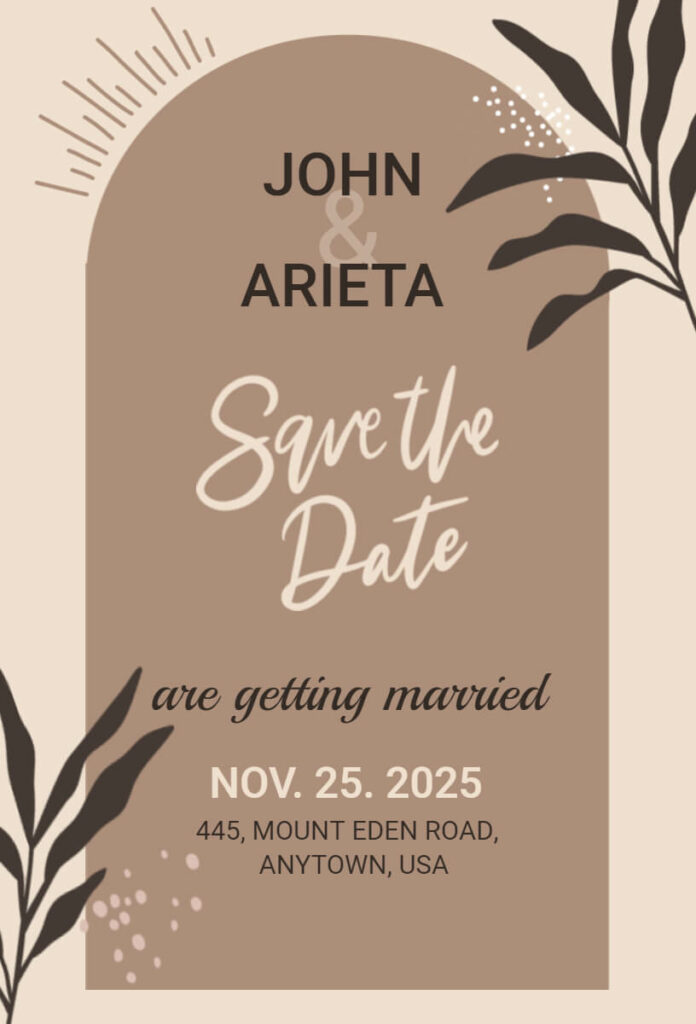
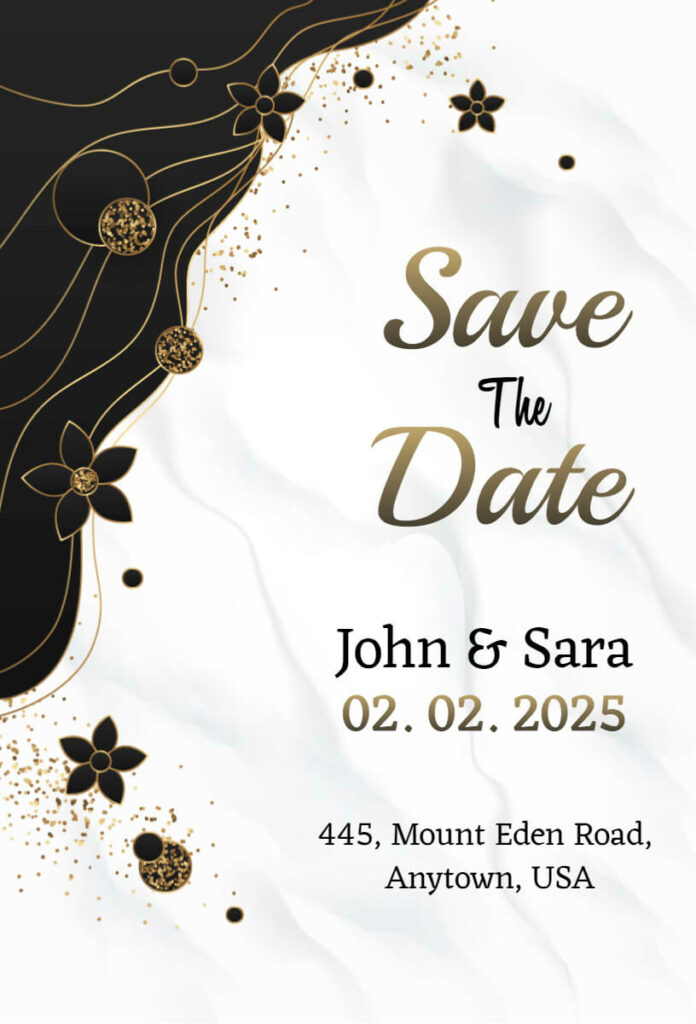
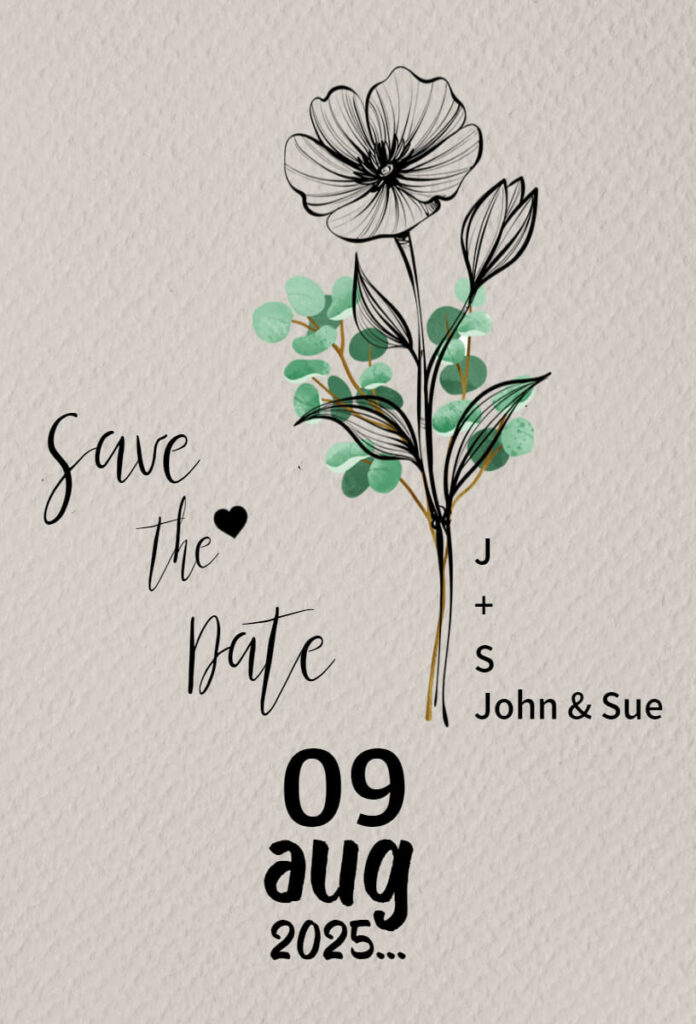
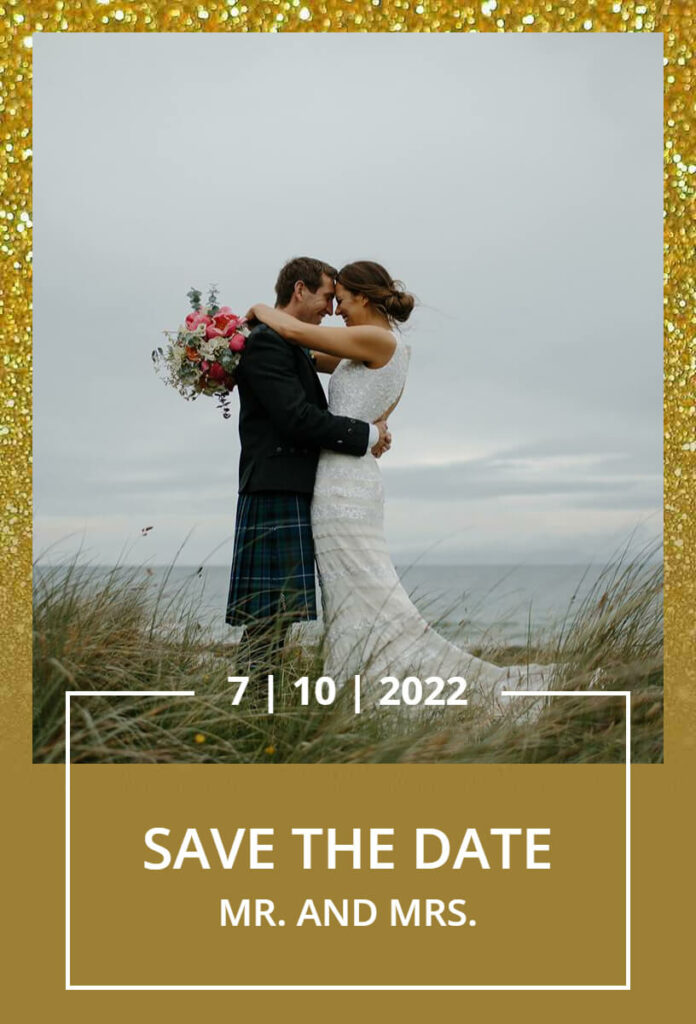
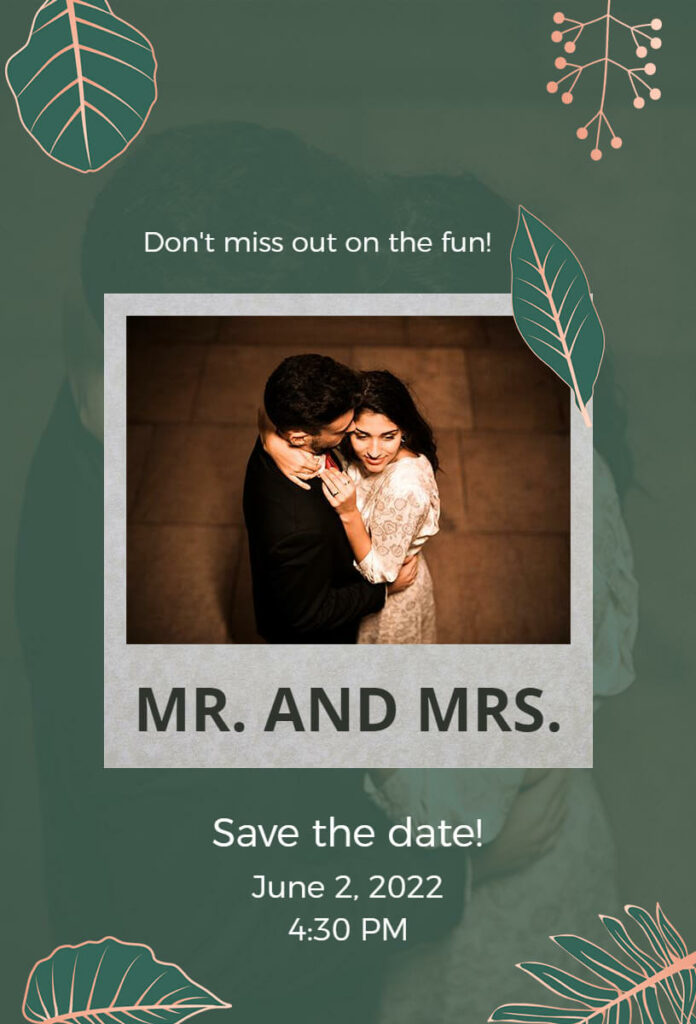
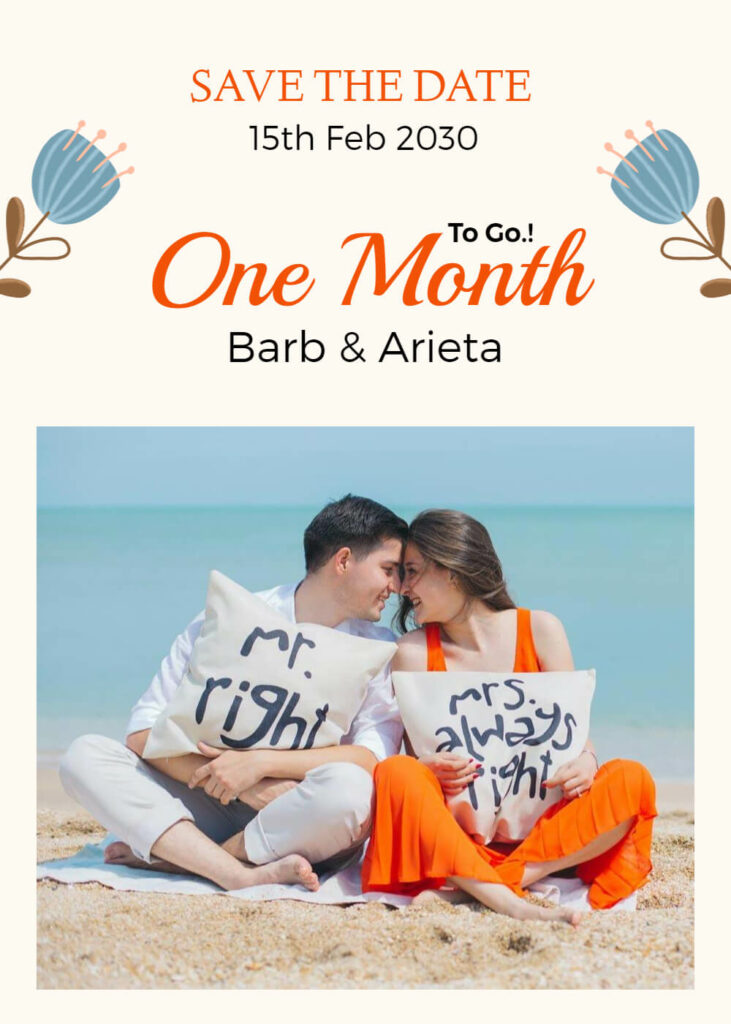
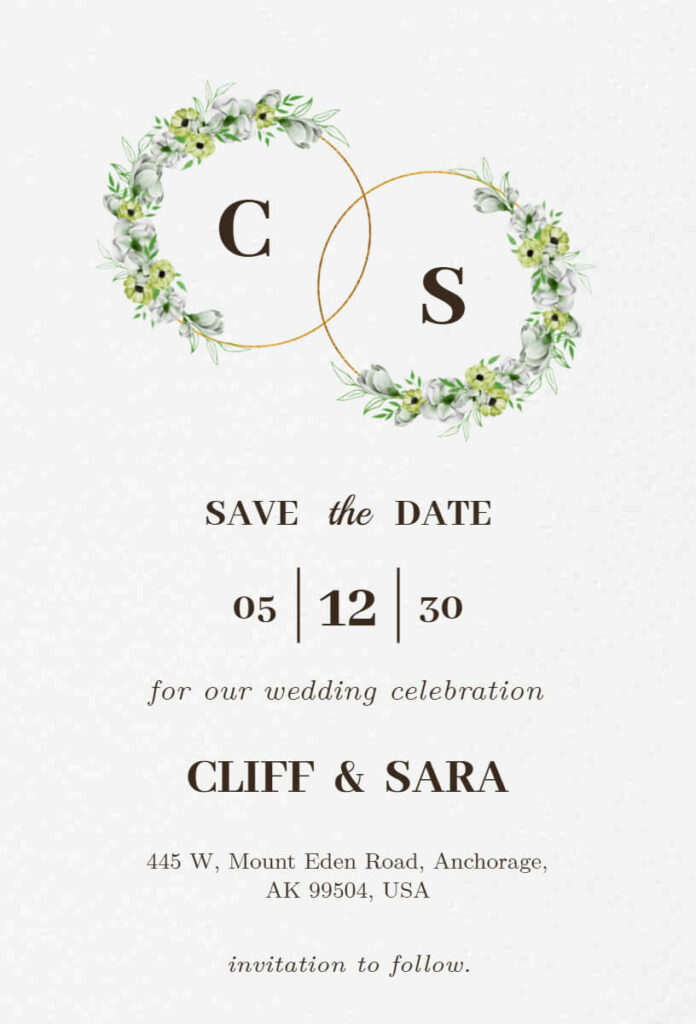
Create the perfect Save the Date with over 10,000 templates for any occasion, from birthdays to corporate events. Explore popular categories below:

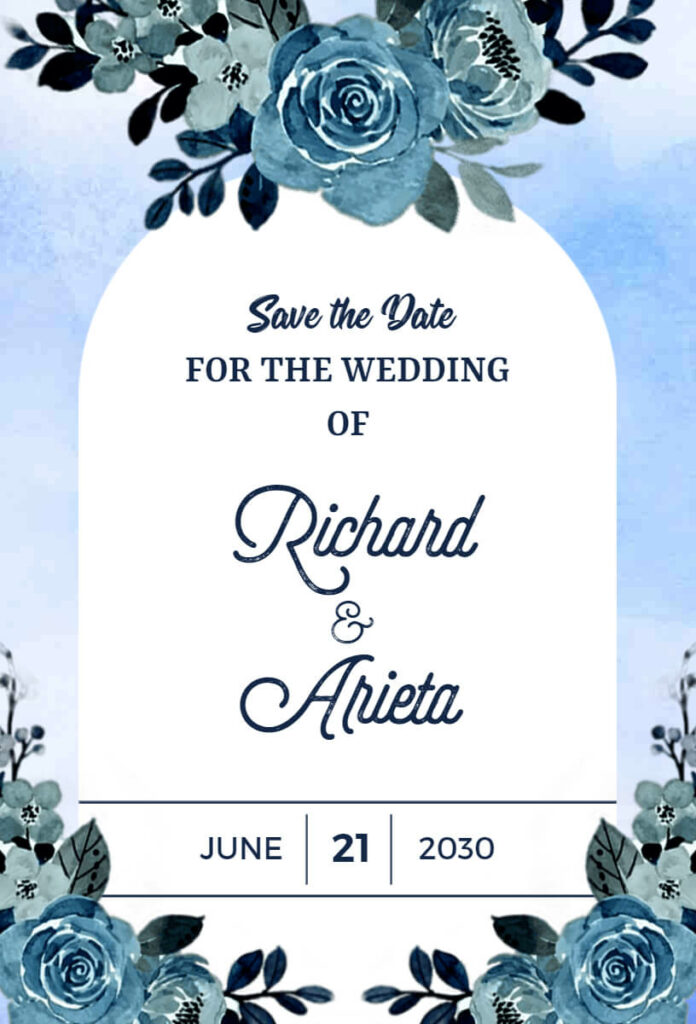
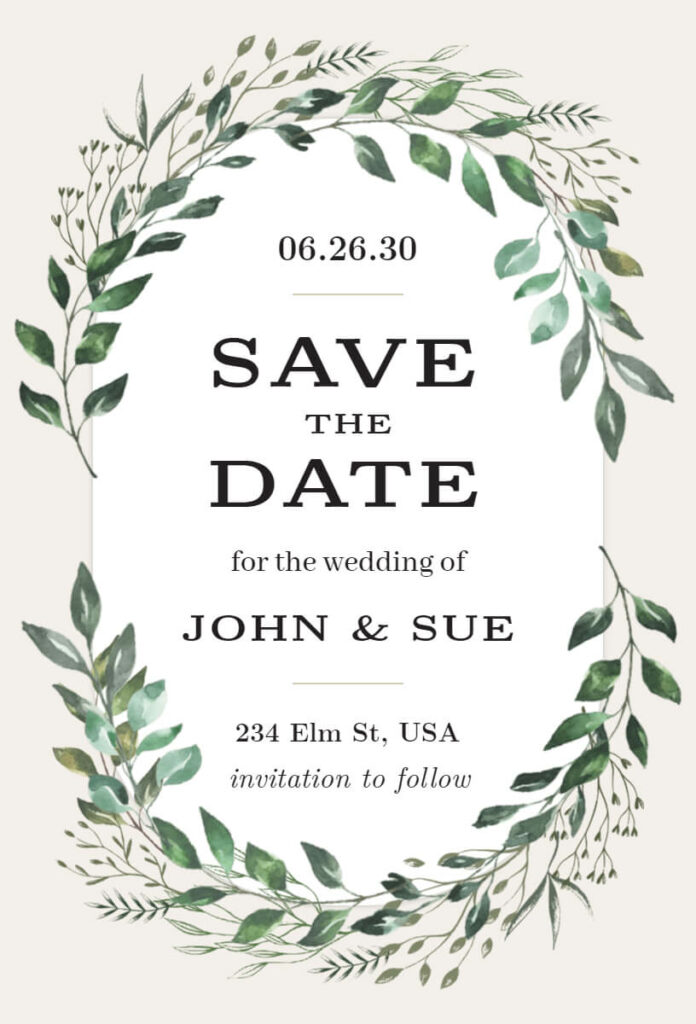
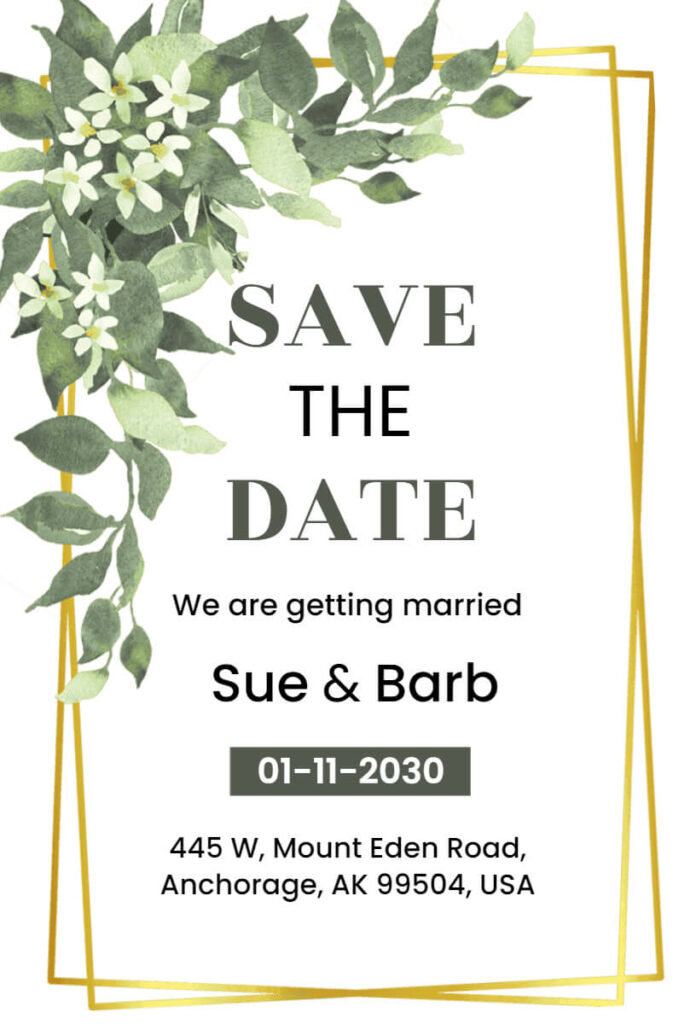
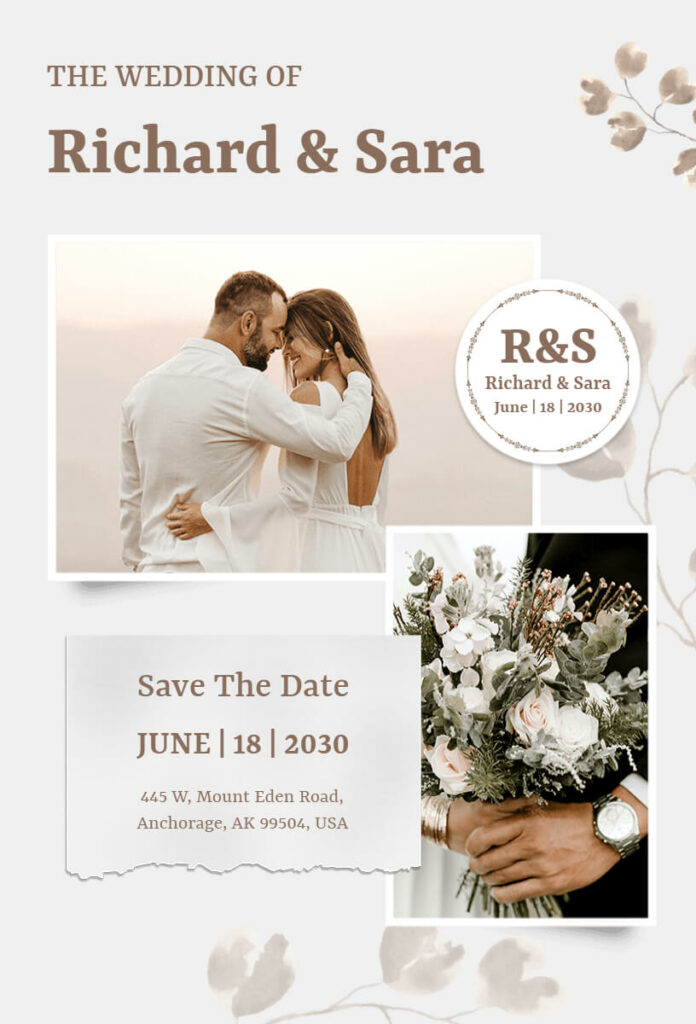
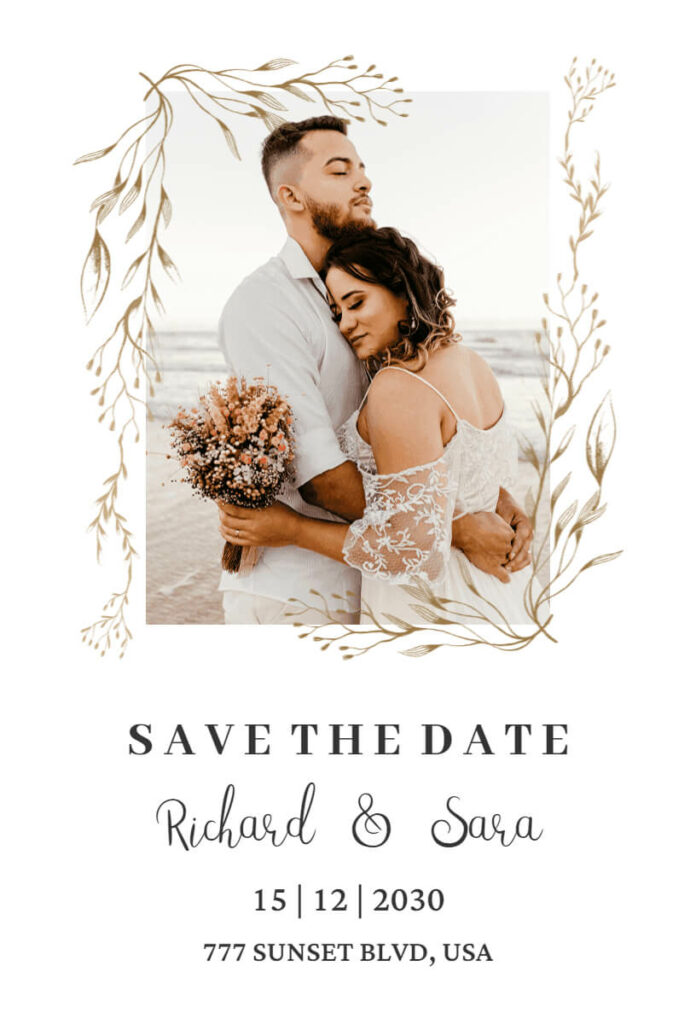
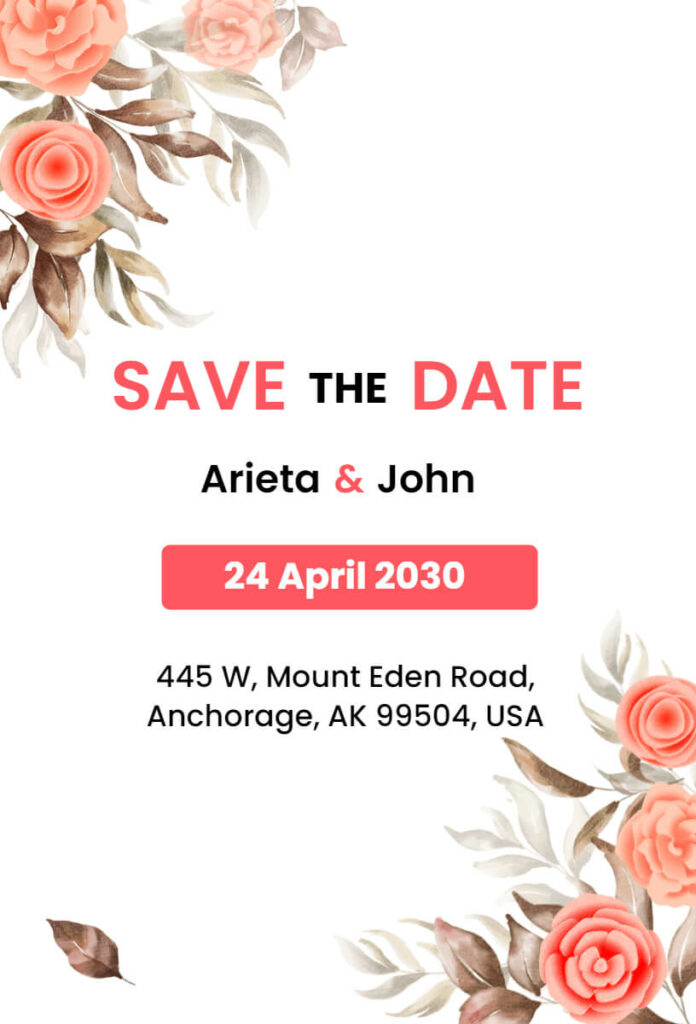



How to Create a Perfect Save the Date Card
Creating a memorable Save the Date invitation is simple, even without design experience. Follow these easy steps to craft the perfect card effortlessly:
Download the 1Invites App
Creating a memorable Save the Date invitation is simple, even without design experience. Start by downloading a user-friendly app, then follow these easy steps:


Choose a Template
Begin by browsing the diverse selection of Save the Date templates available on 1Invites. With over 10,000 templates to choose from, you’re sure to find a design that matches the vibe of your event.
Customize Your Template
Once you’ve selected your template, the fun begins. Customize your invitation by adding your event details, choosing fonts and colors that align with your event’s theme, and uploading any personal images or logos you’d like to include. This step gives you the freedom to create a truly personalized design.
Review and Finalize
After customizing your invitation, take a moment to review the details. Check for spelling errors, make sure the date and time are correct, and ensure that everything looks just right.
Save and Share
Once you’re satisfied with your design, you can either save it as a digital card and share it with your guests via email or social media or download it for high-quality printing.
With 1Invites, the entire process takes only a few minutes, leaving you more time to focus on the rest of your event preparations.
Trending Save the Date Design Styles for 2025
Staying on top of design trends can make your Save the Date invitations look modern and appealing. Here are some popular styles to consider for [Current Year:
- Minimalist Elegance
Simplicity is key with minimalist designs. Clean fonts, neutral color palettes, and subtle details create a sophisticated look that’s perfect for corporate events or wedding invitations. - Bold Typography
Large, stylish fonts are trending this year. A bold headline showcasing the event date can grab attention instantly and set the tone for your event. - Floral and Nature-Inspired Themes
Floral elements and earthy tones continue to dominate Save the Date designs. These are ideal for outdoor weddings or eco-conscious events. - Retro and Vintage Vibes
Nostalgia is in! Designs inspired by the ’70s, ’80s, and ’90s, with muted colors, vintage textures, and funky fonts, add a playful touch to your invitations. - Illustrated Designs
Custom illustrations—like sketches of your event venue or personalized caricatures—are gaining popularity for their unique and charming appeal. - Digital Animation
For digital Save the Date cards, animation or GIFs are trendy options that make your invitation interactive and fun to share.
By choosing a design style that resonates with your event theme, you can make your Save the Date invitation truly unforgettable. These trends seamlessly fit into your overall event aesthetic, so be sure to check out Wedding Invitation Designs to inspire your entire wedding stationery suite.
Save the Date Etiquette: Dos and Don’ts
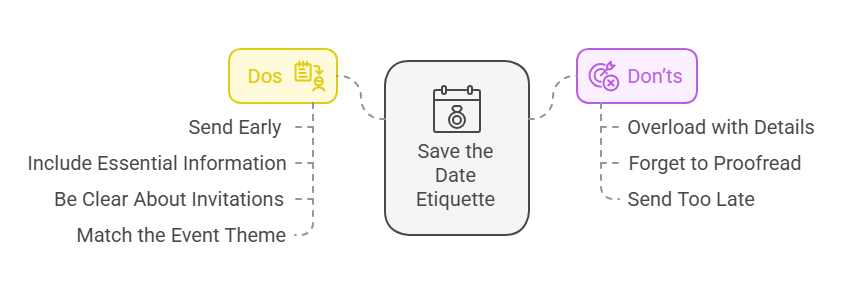
When sending Save the Date invitations, it’s essential to follow proper etiquette to ensure your guests feel valued and informed. Here are some key dos and don’ts to keep in mind:
Dos
- Send Them Early: Aim to send Save the Date invitations 6–12 months before the event, especially for destination weddings or major gatherings.
- Include Essential Information: Mention the event date, location (even if just the city), and a brief note about the occasion.
- Be Clear About Invitations: Only send Save the Date cards to people who are definitely invited to the event to avoid confusion.
- Match the Event Theme: Ensure the design reflects the tone and style of your event. For instance, a formal wedding Save the Date should have an elegant design.
Don’ts
- Overload with Details: Avoid including excessive information, such as the full itinerary or RSVP requests. Keep it concise.
- Forget to Proofread: Double-check all details, especially the date, time, and spelling of names. Errors can cause unnecessary confusion.
- Send Too Late: Delaying Save the Date invites could affect your guests’ ability to plan or book travel.
By following these guidelines, you can ensure your Save the Date cards are both stylish and practical.
Benefits of Using Digital Save the Date Invitations
While traditional paper invitations are still popular, digital Save the Date invitations have quickly become the go-to option for many event planners. Here’s why:
Time Efficiency
With traditional paper invites, you need to account for design, printing, and mailing time. Digital invitations, on the other hand, are ready to go in a fraction of the time. With 1Invites, you can design, customize, and share your card in just a few clicks.
Cost Efficiency
The cost of printing and mailing paper invitations can add up quickly, especially for larger events. Digital invitations eliminate those costs and provide a more budget-friendly option for those looking to save money.
Eco-Friendly
Digital invitations are eco-friendly, as they reduce paper waste and help minimize your event’s carbon footprint. This is especially important for those who are conscious of environmental impact.
Easy to Share and Track
With digital invitations, guests can easily RSVP, and you can keep track of who’s attending. Plus, sharing a digital invite is much easier than relying on postal services, especially for last-minute invites.
Instant Delivery
Your Save the Date cards are delivered instantly to your guests, no waiting for the mail! Digital cards are especially helpful for guests who live far away or for international events.
Comparison: Digital Save the Date vs. Traditional Paper Invitations
To help you decide which invitation method is best for your event, let’s take a look at a comparison table between digital Save the Date invitations from 1Invites and traditional paper invitations:
| Feature | Digital Save the Date | Traditional Paper Invitations |
| Customization | High (over 10,000 templates available) | Limited (depends on the designer) |
| Cost | Low (no printing or postage fees) | High (printing and mailing costs) |
| Time Efficiency | Instant (create and send in minutes) | Takes weeks to design, print, and deliver |
| Eco-Friendly | Yes (no paper waste) | No (paper waste and carbon footprint) |
| Tracking RSVPs | Easy (digital tracking system) | Difficult (manual tracking) |
| Delivery Time | Instant (no postal service needed) | Delayed (depends on postal service) |
| Visual Appeal | Modern, sleek, and customizable | Classic, but may lack personalization |
| Guest Experience | Convenient and eco-friendly | Traditional and tangible |
As you can see, digital Save the Date invitations offer a host of advantages, including cost savings, speed, and eco-friendliness. However, traditional paper invitations still have a nostalgic, tangible appeal that some may prefer.
Expert Tips for Designing the Perfect Save the Date Invitation
To make your Save the Date invitation truly memorable, here are some expert tips for designing the perfect card:
Choose a Template That Reflects Your Event’s Theme
Whether your event is formal or casual, make sure your Save the Date design matches the tone of the celebration. A wedding Save the Date should be elegant and sophisticated, while a birthday invitation could be fun and colorful.
Keep It Simple
Don’t overcrowd your card with too much text or unnecessary elements. Keep the focus on the essentials: the date, location, and any key details your guests need to know. Simplicity can make your design stand out more.
Use High-Quality Images
If you’re including photos, make sure they are high-resolution. Blurry or pixelated images can make your design look unprofessional.
Stick to Your Event’s Color Scheme
Using colors that match the overall event theme will make your invitation feel cohesive and visually appealing. Keep the color palette simple—no more than 2-3 complementary colors.
Be Clear and Concise
Your Save the Date card should convey the essential information in a clear, easy-to-read format. Avoid long paragraphs and opt for bullet points or short phrases.
Other Creative Ways to Use Save the Date Templates
Save the Date cards aren’t just for weddings! Here are some creative ways to use 1Invites templates for different types of events:
- Corporate Events: Corporate event invitations should clearly communicate key details like date, time, and venue while matching the event’s theme. A professional, engaging design helps attract the right audience and sets the tone for a successful event.
- Birthday Parties: Get the word out about milestone birthdays and themed parties with well-designed birthday invitations. Whether it’s a milestone year or a themed celebration, the right invite sets the tone and builds excitement.
- Charity Events: For charity events, Save the Date cards can create awareness and encourage early participation. Highlight the cause, event details, and how attendees can make a difference while maintaining a sense of urgency and excitement.
- Baby Showers: Baby shower invitations should reflect the joy and excitement of welcoming a new baby. Choose soft colors, playful designs, and sweet messages to set a warm, inviting tone for the celebration.
With 1Invites, the possibilities are endless!
Conclusion
Your Save the Date card is more than just an invitation; it’s the first impression guests will have of your event. Make sure it reflects the excitement and joy of the occasion. With 1Invites, you have access to over 10,000 customizable invitation templates to ensure that your Save the Date invitation is perfect. Whether you choose digital or traditional invitations, remember that personalization is key. With 1Invites, creating a personalized and memorable Save the Date card is easier and more affordable than ever before. Ready to create your Save the Date? Explore 1Invites today and start designing your perfect invitation in minutes!